0 minutes
Written by
Diana Mamani
Published on
December 9, 2025
Published on
December 9, 2025
Modified on
December 18, 2025
Go Back
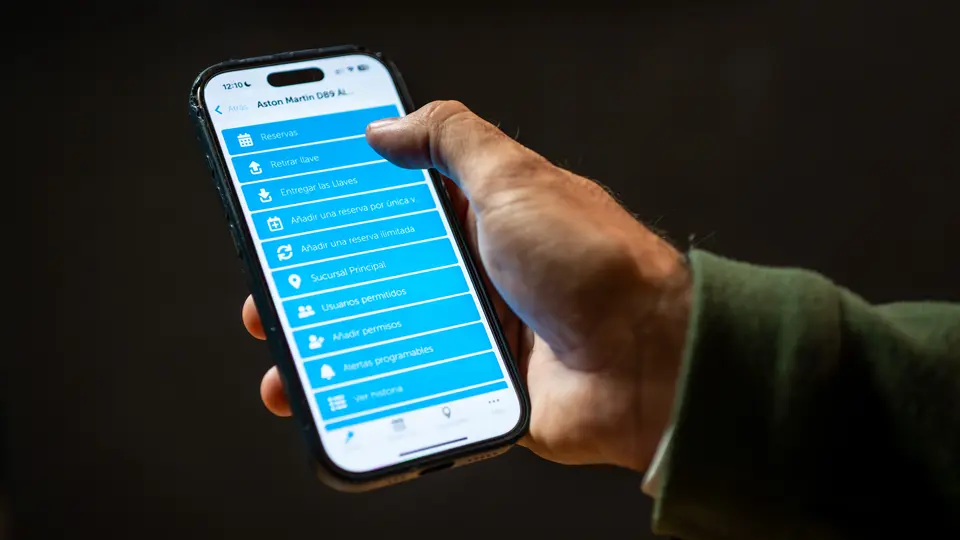
When a vehicle key goes missing or a booking is unclear, the whole day can slip off schedule. The problem usually isn’t the people: it’s the lack of timely, clear signals about what’s happening. That’s where customized alerts come in.
With the right alert strategy, you can turn your key management system into a quiet coordinator in the background, nudging the right person at the right time instead of asking your team to constantly watch a dashboard.
Most fleet and operations managers already have access to some kind of notification. The question is whether those alerts are helping your team make better decisions, or just adding noise.
Good alert design should support three goals:
Instead of relying on phone calls and group chats, alerts turn key events into structured, trackable signals your team can trust.
Modern key management platforms like Keycafe now offer a range of programmable alerts where you choose the event, timing, recipients, and message. Here are the building blocks you can use to shape how your team operates.
Key exchange alerts trigger the moment a key is picked up or dropped off.
Use these when:
These alerts remove guesswork. Instead of “Did that driver leave yet?”, your team sees the handoff in real time and can move to the next step with confidence.
Booking-created alerts fire when someone reserves access to a key.
They work well for:
Because messages can be tied to specific keys or key groups, your team doesn’t have to rewrite the same instructions over and over.
Late key alerts remind users when keys aren’t returned on time and can escalate if the delay continues. These alerts are ideal for:
The goal isn’t to punish staff; it’s to reduce last-minute scrambling when a vehicle everyone assumed was available is still out.
An alert is only useful if the right person sees it at the right time. Keycafe lets you deliver alerts by email, SMS, and webhooks, which send event data to a URL you control.
That means you can:
Webhook delivery turns your key system into an event stream that feeds the tools your team already uses, instead of asking everyone to learn “one more system.”
Two Keycafe customers from transport and parking operations show how targeted alerts change day-to-day work.
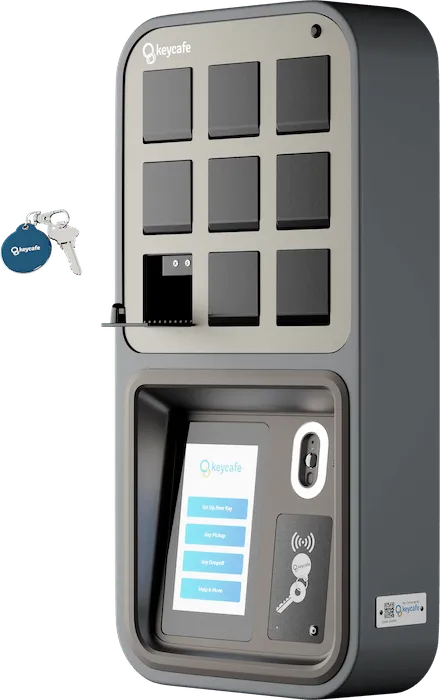
A truck carrier moving thousands of vehicles each month uses instant alerts when customers drop keys into a SmartBox and when drivers pick them up. This removed late-night key handoffs by staff, cut extra trips between yards, and made dispatch faster.
An airport parking provider integrated its check-in platform with a SmartBox and set staff alerts for every drop-off and pickup. Their team can monitor key activity remotely while customers enjoy 24/7 contactless service, which proved especially helpful during the pandemic.
In both cases, alerts turned what used to be manual coordination into a predictable, automated flow.
Customized alerts are not about flooding everyone’s inbox. They’re about turning key events: pickups, returns, bookings, and delays; into clear, timely prompts that support better decisions.
When you choose the right events, channels, and recipients, alerts help your team move in sync without constant check-ins or manual tracking. Start by mapping your key touchpoints, decide who needs to know what and when, and configure a small set of alerts that support those moments.
Ready to see how customized alerts can keep your team aligned, accountable, and on schedule? Book a demo to learn how Keycafe’s smart key management and alerting can support your workflows, reduce manual follow-ups, and give you clear visibility into every key movement.


.webp)


